Guide
Pre-construction information guide
What pre-construction information is, who provides it, when it is needed and what it should contain.

Free CDM 2015 template
Download a free, editable Word template for assembling and issuing project-specific pre-construction information under CDM 2015.
Editable .docx, 18 pages, No sign-up required
Read the full PCI guide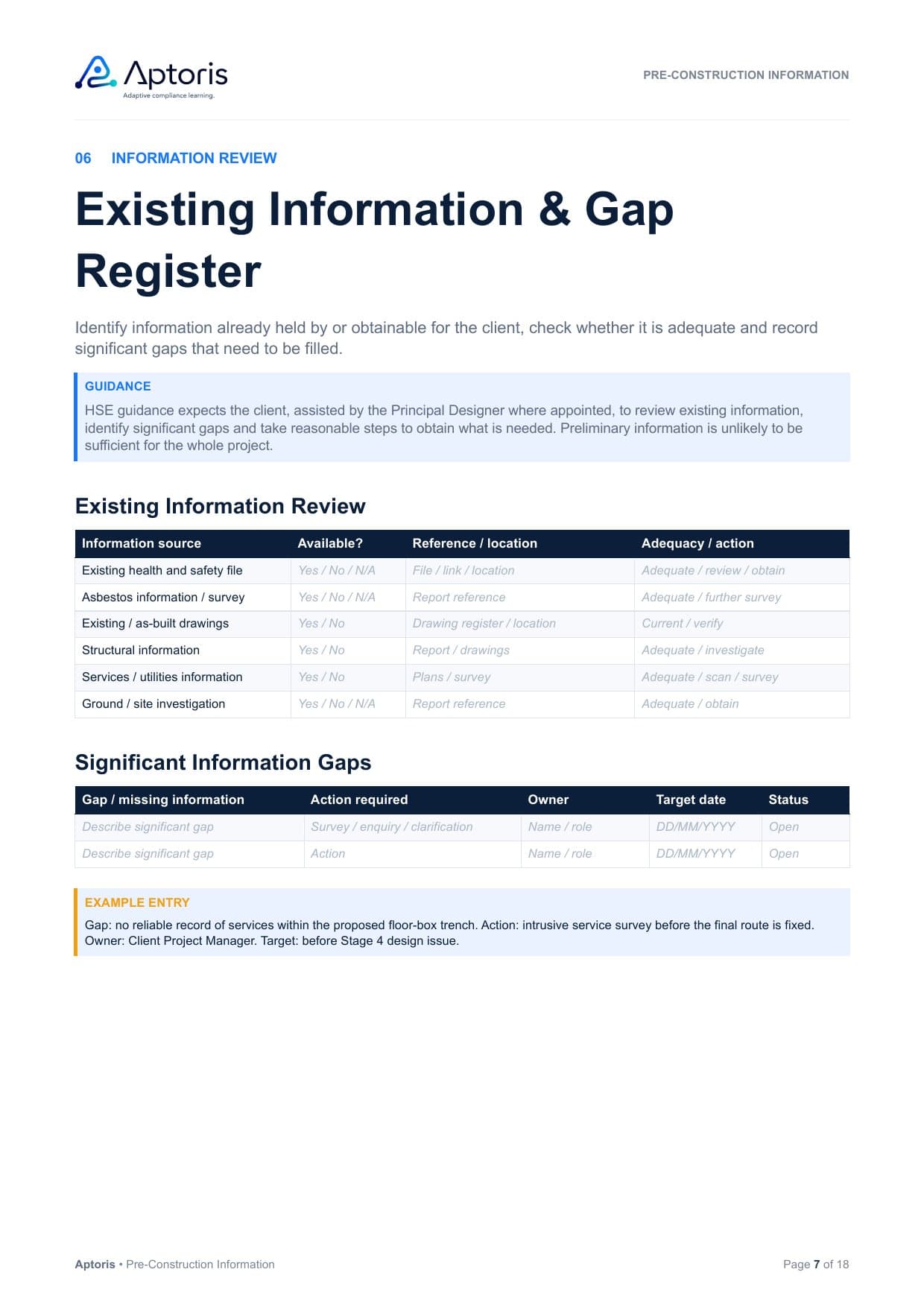
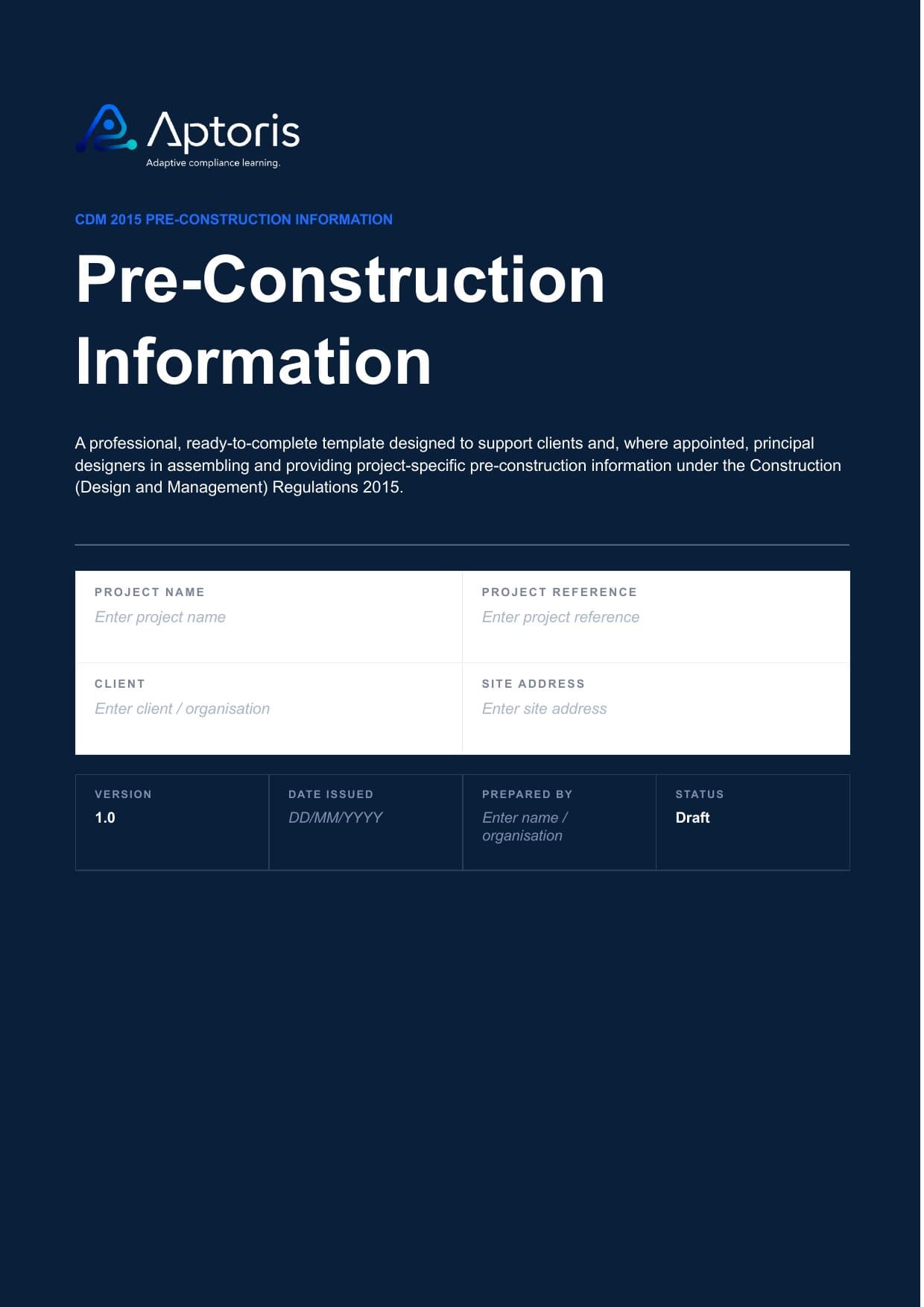
The template provides a structured framework for assembling, reviewing and issuing project-specific pre-construction information without turning PCI into a generic hazard list.
These are real pages from the Word template. Blue guidance boxes explain what each section is for, example entries show a completed answer, and the tables are ready to fill in.
On this page
Existing Information & Gap Register
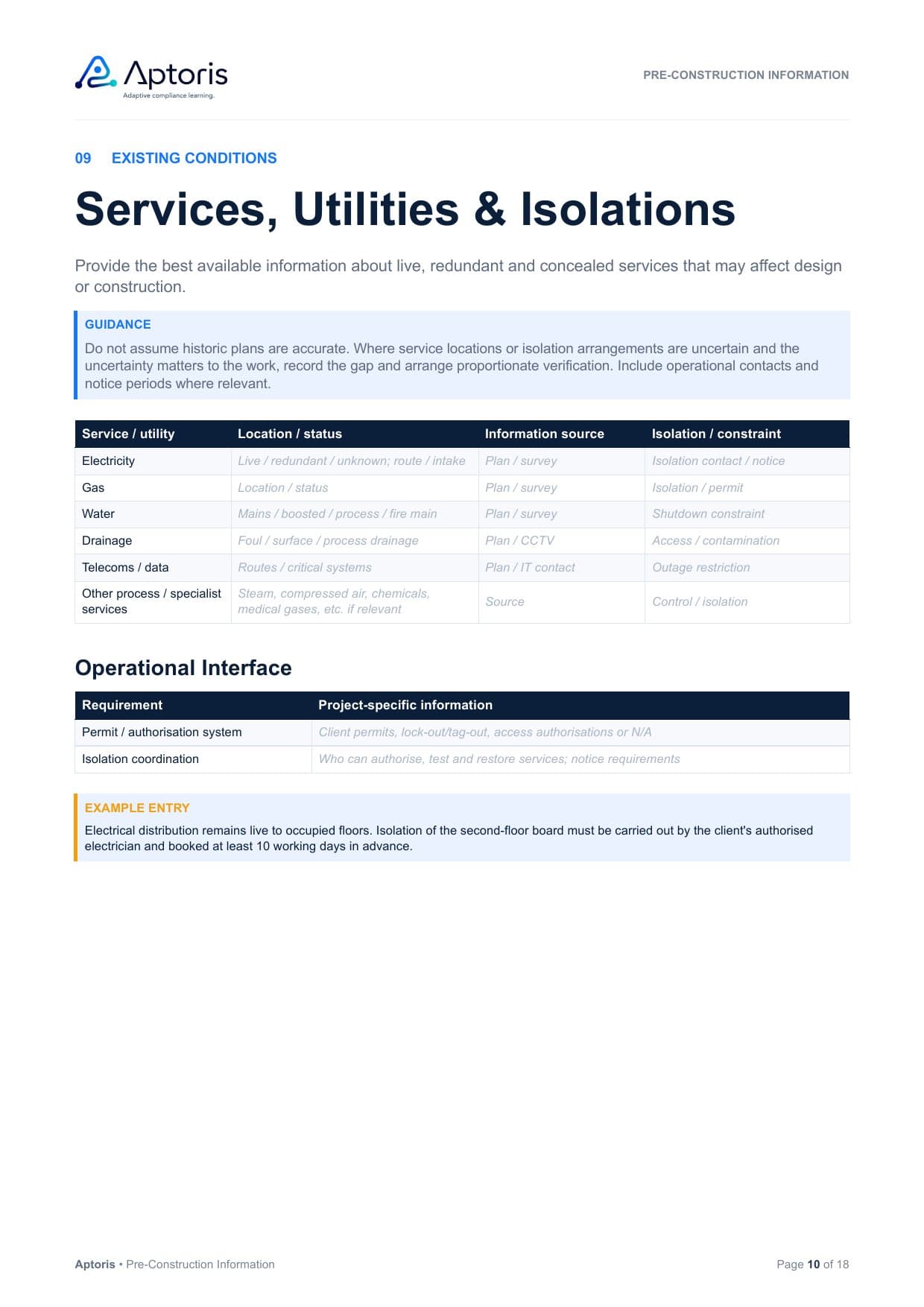
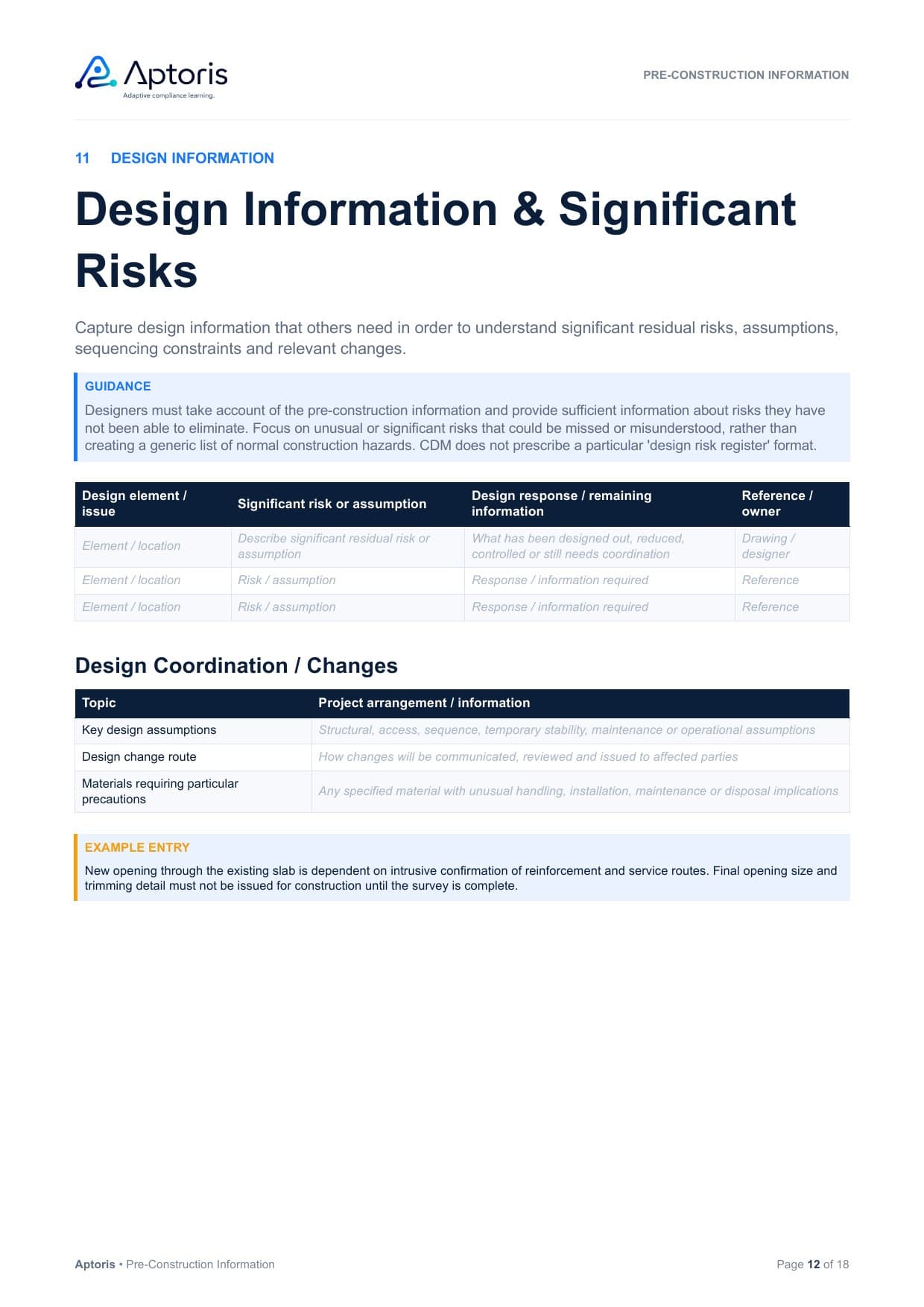
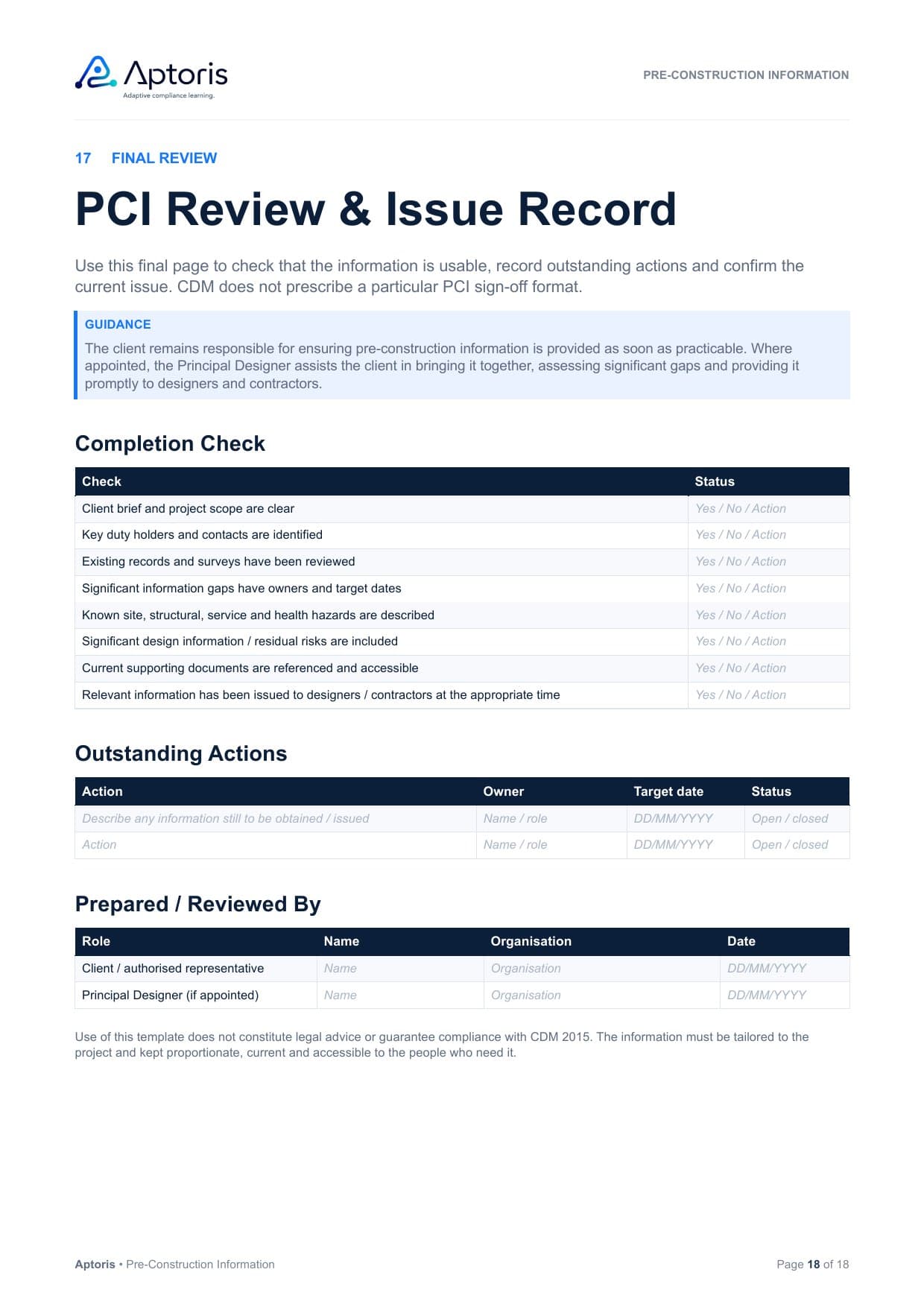
Swipe to see more pages.
Seventeen sections, grouped here into the areas they cover. Each has guidance, prompts and, where useful, a worked example.
Why it helps
Useful pre-construction information tells designers and contractors what is known about this project, how reliable it is and what still needs to happen. The template is laid out to capture exactly that, rather than a generic list of construction hazards.
Review existing records, surveys and any health and safety file before anything else.
Reference the source of each item so people can judge how far to rely on it.
Flag what is missing or unverified instead of assuming it.
Give every gap an action, an owner and a target date.
Capture the constraints and residual risks others need to plan around.
Record revisions as surveys return and the design develops.
Track who received each issue, so designers and contractors work from current information.
Illustrative example
Too generic
“Underground services may be present.”
What it leaves out
Project-specific
“Existing record drawings indicate electrical and data services within the proposed floor-box trench. The drawings have not been verified on site. An intrusive service survey is required before the final route is fixed. Survey responsibility: Client Project Manager. Required before Stage 4 design issue.”
Where it goes in the template
Illustrative example. The wording is not prescribed; adapt it to your project.
Anyone assembling or contributing to pre-construction information can use it.
Bring together the information you hold or can reasonably obtain, and issue it to designers and contractors.
Help the client identify, collate and issue the information on projects with more than one contractor.
Organise the information on the client’s behalf, with the client’s input and sign-off.
Contribute design assumptions, constraints and significant residual risks.
Assemble the information issued with tender or appointment documents.
Under CDM 2015, the client has the main duty to provide pre-construction information. On projects involving more than one contractor, the Principal Designer assists the client. Using the template does not change who holds these duties.
Read about PCI responsibilitiesReplace the prompts with project-specific information and identify what is already available.
Record missing information, actions, owners and target dates where further surveys or clarification are needed.
Update the PCI as the design develops and issue relevant information to designers and contractors at the right time.
Yes. It is free to download, with no sign-up and no email address needed. Select Download the free Word template and the file downloads straight away.
Yes. It is an editable Word document (.docx) with no macros. Each prompt sits in a Word content control: click it and type to replace it. You can add table rows and remove sections you do not need. Other software that opens .docx files should work, although formatting may vary.
The client has the main duty to provide pre-construction information, so the template is normally completed by or for the client. On projects involving more than one contractor, the Principal Designer assists the client. Others, such as project managers and designers, can contribute, but using the template does not move the duty.
Yes. CDM 2015 applies to all construction work, so relevant pre-construction information is needed on every project, in proportion to its nature and risks. On a small job, use only the sections the project needs.
Relevant information about the project, the existing site and structures, hazards and constraints, design information and existing records, including any significant gaps. See what pre-construction information should contain in our guide.
No. CDM requires relevant information to be provided, not a particular format. The template gives you one structured place to assemble and issue it, and its reference information register points to surveys, drawings and reports held elsewhere.
Yes, where the work is construction work under CDM 2015. On domestic projects the client duties are carried out by others under the arrangements for domestic projects; the template includes a domestic client note on this.
Record it in the template’s gap register with the action needed, an owner and a target date, and take reasonable steps to obtain it, such as commissioning a survey, rather than passing incomplete information on.
Pre-construction information gives designers and contractors relevant project, site and risk information. The construction phase plan sets out how health and safety will be managed during the construction phase, and relevant PCI should inform it. Our Construction Phase Plan template covers the plan.
No. Aptoris is independent, and this template is not produced, approved or endorsed by HSE. For authoritative requirements, refer to CDM 2015 and HSE’s guidance, L153 (opens in a new tab).
Guidance and templates to help you prepare and use the information.
What pre-construction information is, who provides it, when it is needed and what it should contain.
An editable Word template for the plan that relevant pre-construction information should inform.
The client’s duties under CDM 2015, including providing pre-construction information.
How the Principal Designer helps the client with pre-construction information on multi-contractor projects.
A practical review of appointments, pre-construction information, design coordination and the construction phase.
Check which CDM 2015 roles apply to your project, including whether a Principal Designer is needed.
Guidance only. Not legal advice or a definitive compliance determination.
Download the editable Word template and start assembling the information your designers and contractors need.
Editable .docx, No sign-up required