Guide
Health and safety file guide
What the file is, when it is required, who prepares it and what it should contain.

Free CDM 2015 template
A practical, editable Word template for structuring a CDM 2015 Health and Safety File, including residual hazards, structural information, significant services, as-built records and handover.
Editable .docx, 12 pages, No sign-up required
Read the Health and Safety File guide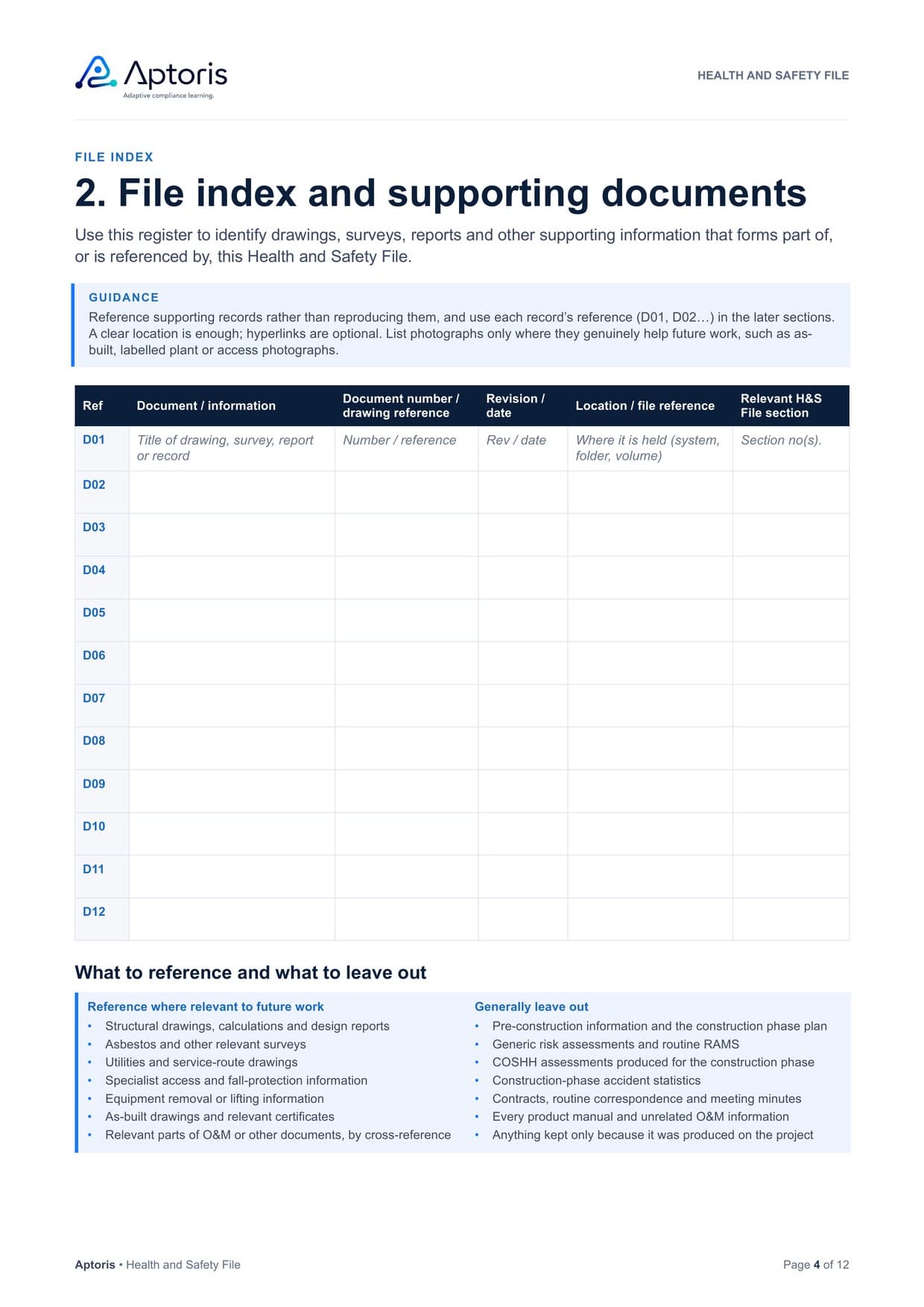
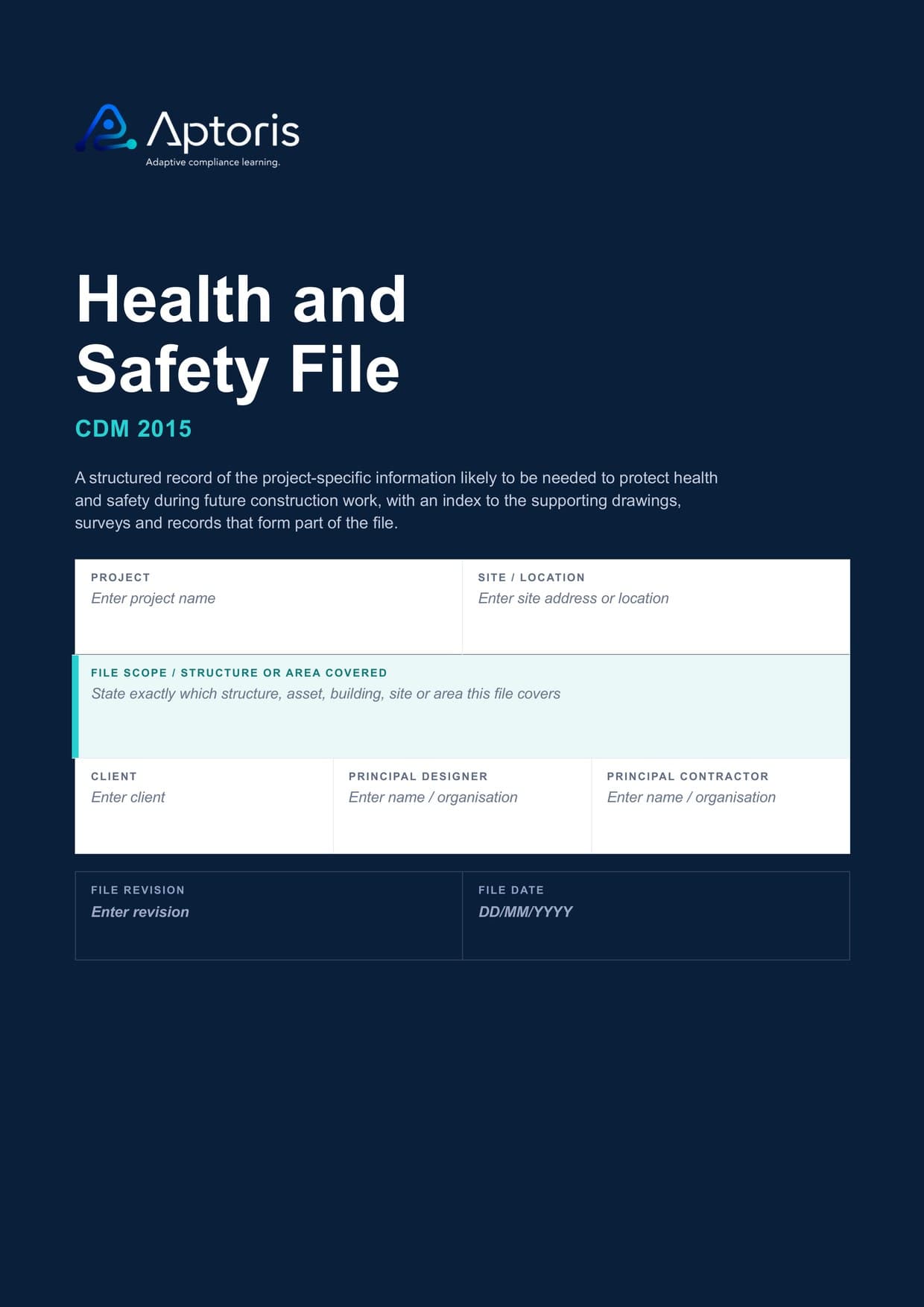
A structured Health and Safety File and an index to supporting project information, rather than a project archive.
These are real pages from the Word template. Blue guidance boxes explain each section and can be deleted before issue, and the tables are ready to fill in.
On this page
File index and supporting documents
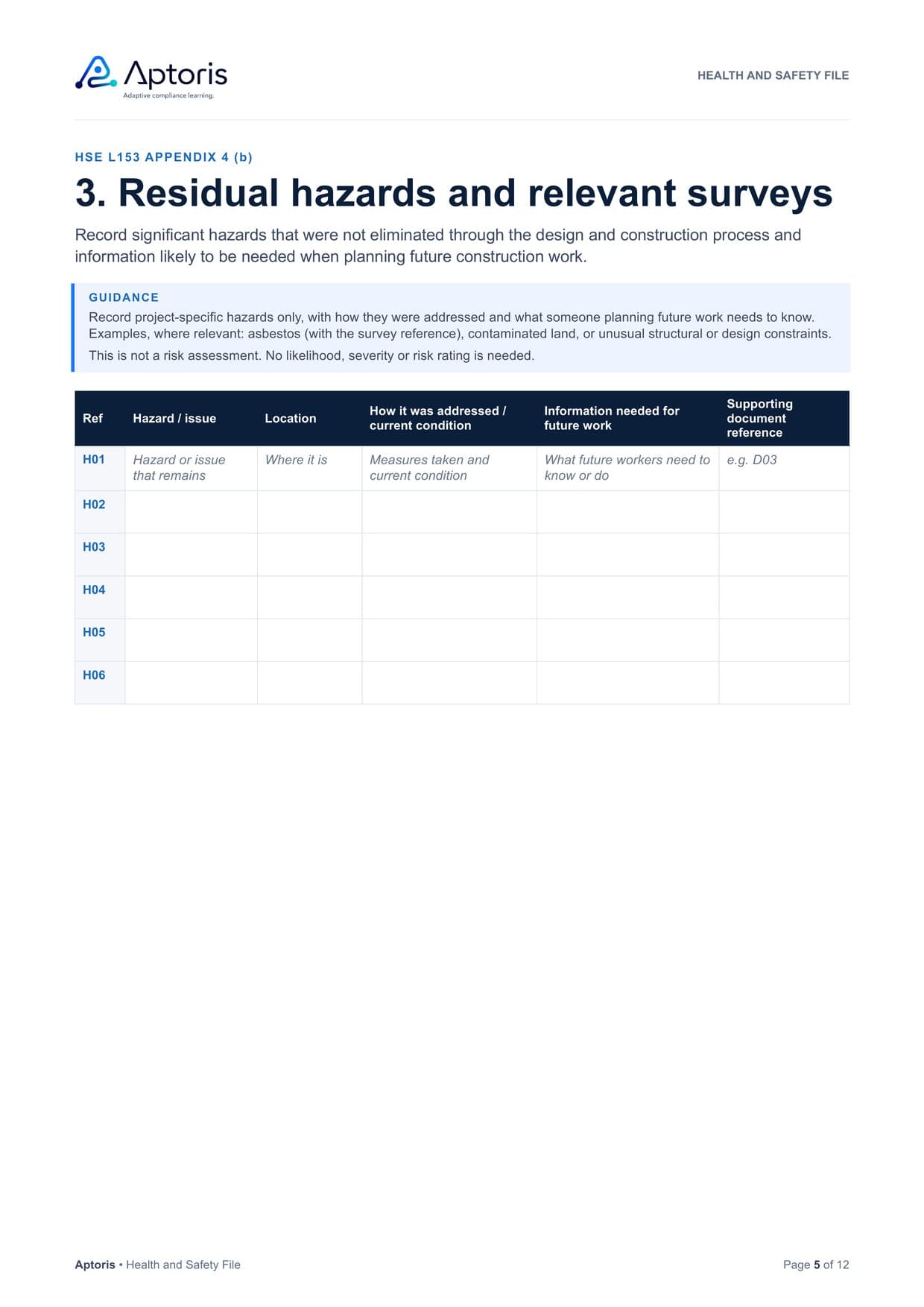
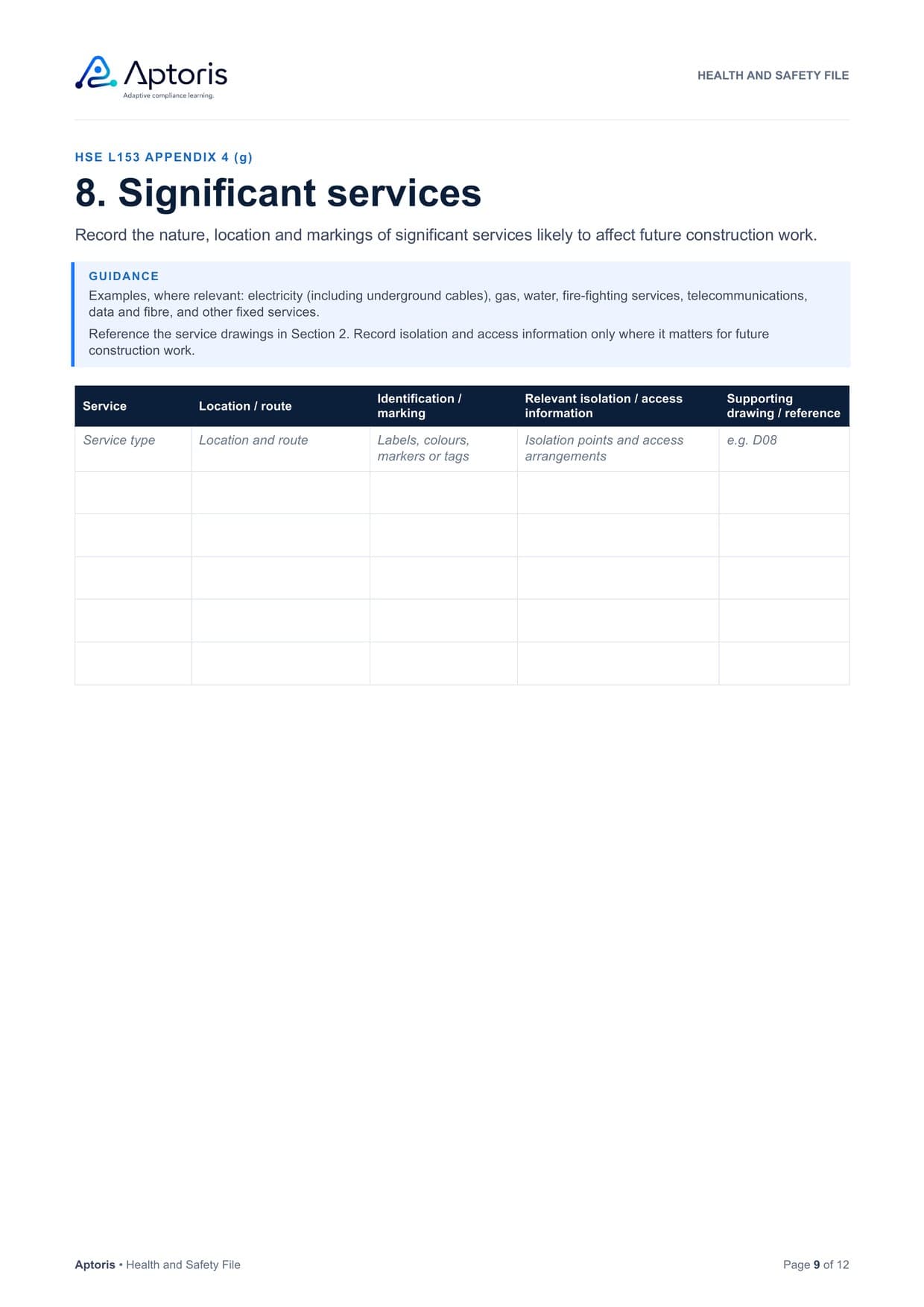
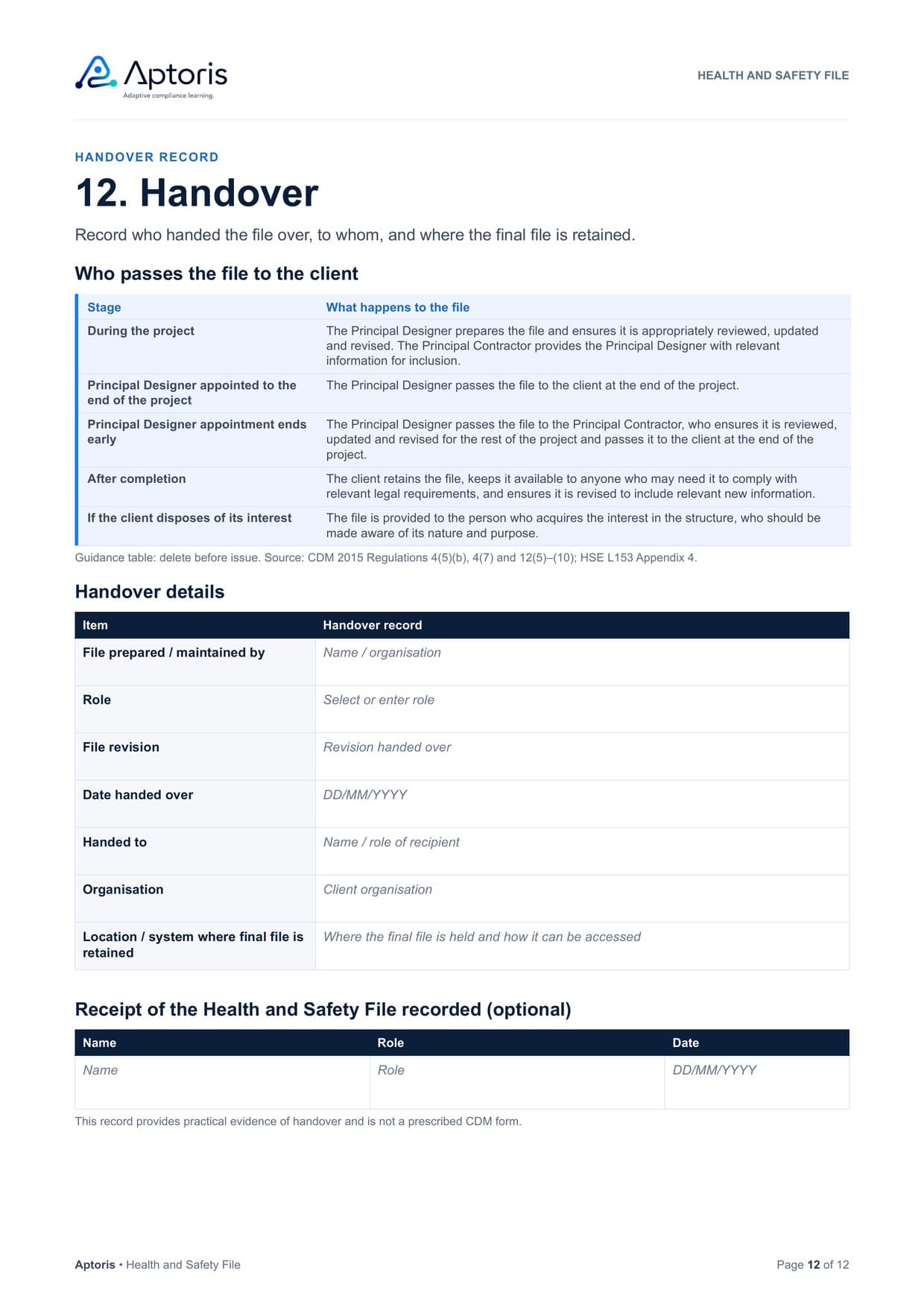
Swipe to see more pages.
Twelve numbered sections, with a cover, file control and a short note on using the template.
Supporting-document register
A Health and Safety File may rely on drawings, surveys, specifications and other project records. The template includes a supporting-document register so those records can be clearly referenced and located without unnecessarily reproducing every document inside the Word file.
Examples might include
Drawings, calculations and design reports, referenced rather than reproduced.
Asbestos and other surveys that future work may need.
The routes and locations of significant services.
Fall-protection, anchor and access-system information.
The drawings that show what was actually built.
Where a specific record will help future work.
Examples only. Reference what is relevant to future construction work on your project.
The file should help someone plan future construction work safely. Including too much can hide the information that matters.
Relevance varies by project. Where a specific part of another document is relevant to future construction work, reference that part. What should not go in the file. Already have a file? Use the Health & Safety File Checklist to review its content and handover arrangements.
Anyone preparing, maintaining or contributing to a Health and Safety File can use it.
Prepare, review and update the file during the project.
Maintain and hand over the file where responsibility for it has passed to you.
Know what the file covers, and retain it for future work.
Give project teams a consistent structure to work from.
Contribute residual risks, as-built information and records.
Keep usable information for buildings, structures and infrastructure assets.
On a project involving more than one contractor, the Principal Designer prepares the file and keeps it reviewed and updated during the project. If the Principal Designer’s appointment ends before the project finishes, the file passes to the Principal Contractor to maintain and pass to the client at the end of the project. The client then retains the file and makes it available to those who need it.
State exactly which structure, asset, site or area the file covers.
Complete the sections that are relevant to future construction work.
Use the document register to point users to drawings, surveys and other supporting information.
Complete the practical final review and record where the final file is retained.
Yes. It is free to download, with no sign-up and no email address needed. Select Download the Word template and the file downloads straight away.
A Microsoft Word document (.docx) of 12 A4 pages, with no macros. It contains a cover, file control and twelve numbered sections, from the project and file summary to the handover record.
Yes. Each prompt sits in a Word content control: click it and type to replace it. Dates use date pickers and the final review uses tick boxes. You can add table rows and delete the guidance boxes before issue. Other software that opens .docx files should work, although formatting may vary.
No. CDM 2015 does not prescribe a format, and HSE does not publish a standard template. HSE’s guidance, L153 (opens in a new tab), lists the kinds of information to consider, and this template’s core sections follow those categories. Aptoris is independent, and the template is not produced, approved or endorsed by HSE.
For projects involving more than one contractor, where a Principal Designer must be appointed. This is separate from the F10 notification threshold. See when a health and safety file is required.
The Principal Designer prepares it and keeps it reviewed and updated during the project. If the Principal Designer’s appointment ends before the project finishes, the file passes to the Principal Contractor, who maintains it and passes it to the client; otherwise the Principal Designer passes it to the client at the end of the project. See who prepares the file.
Project-specific information likely to be needed for future construction work, such as residual hazards, key structural principles, hazardous materials, plant removal, cleaning and maintenance access, significant services and as-built information. See what the file should contain.
No. HSE guidance says the file should not include things that will be of no help when planning future construction work, such as the construction phase plan or pre-construction information. Our Construction Phase Plan template covers the plan.
No. Operation and maintenance information explains how the completed building and its systems are run and maintained. The Health and Safety File holds information needed for health and safety during future construction work. The two can sit alongside each other, and the template lets you cross-reference relevant O&M information rather than reproduce it.
Yes, where the work is construction work under CDM 2015. The template is not sector-specific, but the file scope field suits a single site, asset or structure, and the significant services, safe access and supporting-document sections can record power and data routes, specialist access and structural information.
Guidance and templates for the documents around the file.
What the file is, when it is required, who prepares it and what it should contain.
An editable Word template for assembling and issuing pre-construction information, including any existing file.
An editable Word template for the plan that manages health and safety during the construction phase.
The Principal Designer’s duties, including preparing and updating the health and safety file.
The Principal Contractor’s duties, including information for the file and handover.
An editable Excel register for design issues, responses and the residual information the file may need.
Download the editable Word template and adapt it to your project.
Editable .docx, 12 pages, No sign-up required